Introduction: Start Your Journey in the CAPFs
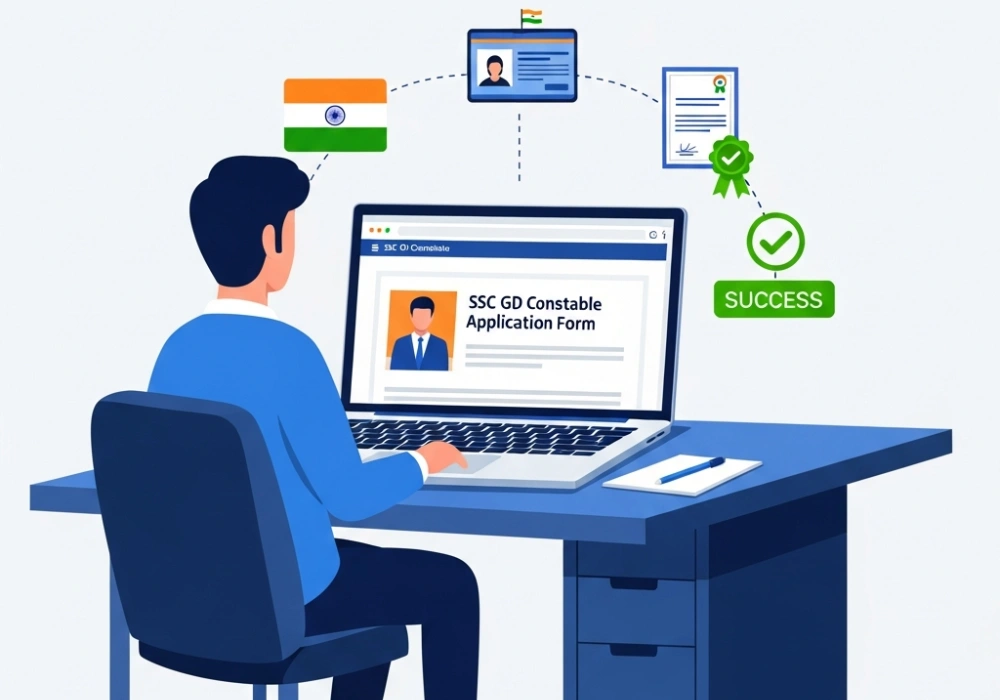
Becoming a Constable (General Duty) in the Central Armed Police Forces (CAPFs) is a dream for thousands of aspirants across India. The SSC GD Constable recruitment drive offers a prestigious career path filled with honor and service to the nation. However, the first hurdle is often the most stressful: the online application process. Every year, many applications are rejected due to minor errors in registration or document uploading. In this comprehensive guide, we will walk you through the entire process step-by-step to ensure your application is successful. Plus, once you have applied, you can jumpstart your preparation with premium mock tests at myentrance.in to stay ahead of the competition.
Table of Contents
1. Prerequisites: Documents You Need Before Applying
Before you log on to the official Staff Selection Commission website, keep these documents scanned and ready. Having them handy will save you from session timeouts during the application process.
- Aadhaar Number: If not available, you can use Voter ID, Passport, PAN, Driving License, or School/College ID.
- Matriculation (10th Class) Certificate: To fill in roll numbers and year of passing accurately.
- Valid Email ID & Mobile Number: For OTP verification and future correspondence.
- Scanned Photograph: Ensure it meets the latest pattern guidelines.
- Scanned Signature: On a white paper with blue/black ink.
- Disability Certificate (if applicable): For candidates seeking age relaxation or reservation.
💡 Pro-Tip: Document Verification
Always double-check that the name on your 10th certificate exactly matches the name on your Aadhaar card. If there is a discrepancy, get it corrected immediately, as this is a frequent cause of rejection during physical document verification later in the process.
2. Phase I: One-Time Registration (OTR)
The One-Time Registration is a permanent record in the SSC database. Once completed, you can apply for multiple exams without re-entering basic details. Follow these steps:
- Visit the official SSC website and click on ‘Register Now’.
- Basic Details: Enter your name, father’s name, mother’s name, and date of birth exactly as recorded in your 10th-grade certificate.
- Contact Details: Provide your mobile number and email. You will receive an OTP to verify both.
- Password Creation: After verification, a temporary password will be sent. Log in and change it to a permanent one.
- Additional & Contact Details: Select your category (General, OBC, SC, ST, EWS) and nationality. Provide details of any visible identification marks (like a mole or scar).
- Declaration: Read the declaration and click ‘Final Submit’. Your Registration Number and Password are now set!
3. Phase II: Filling the Main Application Form
Once your registration is complete, log in with your credentials and look for the ‘SSC GD Constable’ link under the ‘Latest Notifications’ tab.
- Preference of Forces: This is a critical step! You must rank the forces based on your preference (e.g., BSF, CISF, CRPF, SSB, ITBP, AR, SSF). Think carefully about your choice as it cannot be changed later.
- Educational Qualification: Confirm your highest educational qualification and the details of your 10th-standard examination.
- Exam Centers: You can choose three exam centers in order of priority within the same region. Select the one closest to your residence to avoid travel stress on exam day.
- Ex-Servicemen Details: Fill this section if you are currently or formerly serving in the armed forces.
- Age Relaxation: If you belong to a reserved category, indicate if you require age relaxation.
💡 Pro-Tip: Force Preference Guide
Forces like SSF and CISF generally have higher cut-offs but offer different job profiles (like VIP security or industrial security) compared to border guarding roles. Research each force before submitting your final preference list!
4. Photo and Signature Specifications
This is where most candidates fail. The SSC uses an automated system to detect photos that don’t meet their standards. If your photo is blurry or you’re wearing glasses/caps, your form will be rejected without a second thought.
| Requirement | Specification |
|---|---|
| Photo Format | JPEG/JPG |
| Photo Size | 20 KB to 50 KB |
| Photo Dimensions | 3.5 cm (width) x 4.5 cm (height) |
| Signature Size | 10 KB to 20 KB |
| Signature Dimensions | 4.0 cm (width) x 2.0 cm (height) |
Note: The photograph should not be more than three months old. Both ears must be visible, and the expression should be neutral. No spectacles or headwear are allowed.
5. Application Fee and Payment Methods
Completing the payment is the final seal on your application. Note the following fee structure:
- General / OBC / EWS: ₹100
- Women / SC / ST / Ex-Servicemen: Exempted (₹0)
Payment can be made online via BHIM UPI, Net Banking, or by using Visa, Mastercard, Maestro, RuPay Credit, or Debit cards. You can also pay offline via SBI Challan.
6. Boost Your Score with Mock Tests at MyEntrance.in
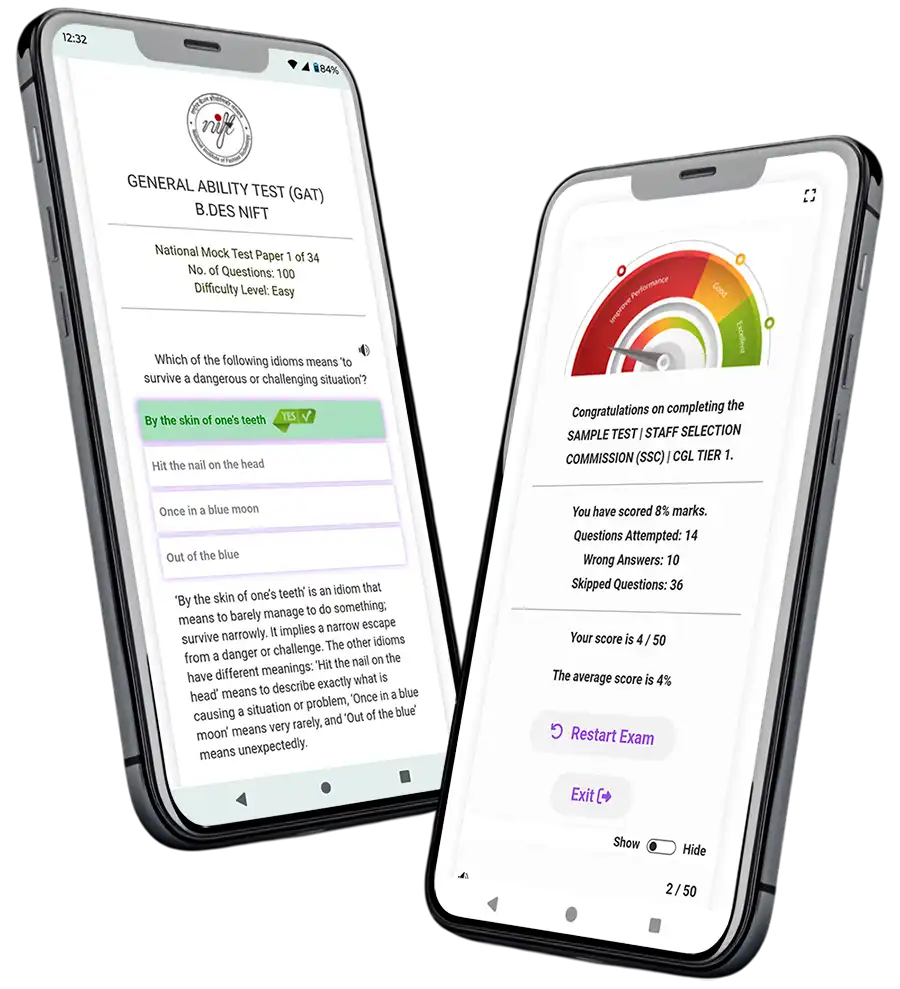
Submitting the form is just the beginning. The real battle starts with preparation. The SSC GD Computer Based Exam (CBE) tests your speed and accuracy. To conquer the exam, you need to practice under real-time conditions.
At myentrance.in, we offer:
- Section-wise tests for Reasoning, GS, Mathematics, and Hindi/English.
- Full-length SSC GD Mock Tests based on the latest pattern.
- Detailed performance analysis to identify your weak spots.
- Previous year paper simulations to understand question weightage.
Don’t just study—practice until you can’t get it wrong!
7. Common Mistakes to Avoid
Avoid these traps to ensure your journey to the CAPFs isn’t cut short before it begins:
- Waiting for the Last Date: The SSC server usually crashes in the final 48 hours due to high traffic. Apply at least a week before the deadline.
- Incomplete Payment: Sometimes the amount is deducted from your bank but not updated on the SSC portal. Always wait 48 hours for the status to update or check your ‘Double Verification of Payment’ status.
- Spelling Errors: Errors in father’s name or your own name can lead to disqualification.
- Wrong Force Preference: Many students put a force as their first choice without knowing its duty nature. Choose wisely!
Interactive FAQs
Can I edit my application after the final submission?
SSC usually provides a ‘Window for Application Form Correction’ for a specific period after the deadline. However, a correction fee is charged, so it is better to fill it correctly the first time.
Is Aadhaar card mandatory for SSC GD application?
While Aadhaar is preferred, it is not strictly mandatory. You can provide other valid photo ID proofs like Voter ID, PAN card, or Driving License during the registration phase.
What should I do if my photo is rejected?
If you realize your photo does not meet the guidelines after submission, wait for the correction window. Upload a fresh photo that is clear, without glasses, and has a light background.
Quick Knowledge Check: Mini-Quiz
Test if you’re ready to apply!
1. What is the maximum file size for a photograph in the SSC GD application?
💡 Click to Reveal Answer
The maximum size is 50 KB (JPEG format).
2. Which category of candidates is exempt from paying the ₹100 application fee?
💡 Click to Reveal Answer
All Women candidates, SC, ST, and Ex-Servicemen are exempt from the fee.
3. Can you change your force preference after the final document verification?
💡 Click to Reveal Answer
No, the preference of forces once submitted in the online application form is treated as final and cannot be changed.
Still Have Doubts About the Application?
Don’t take risks with your career. Our experts are here to help you with the registration process or guide you with the best mock tests for the upcoming exam.
💬 Chat with our Experts on WhatsApp (+91 9526806124)