
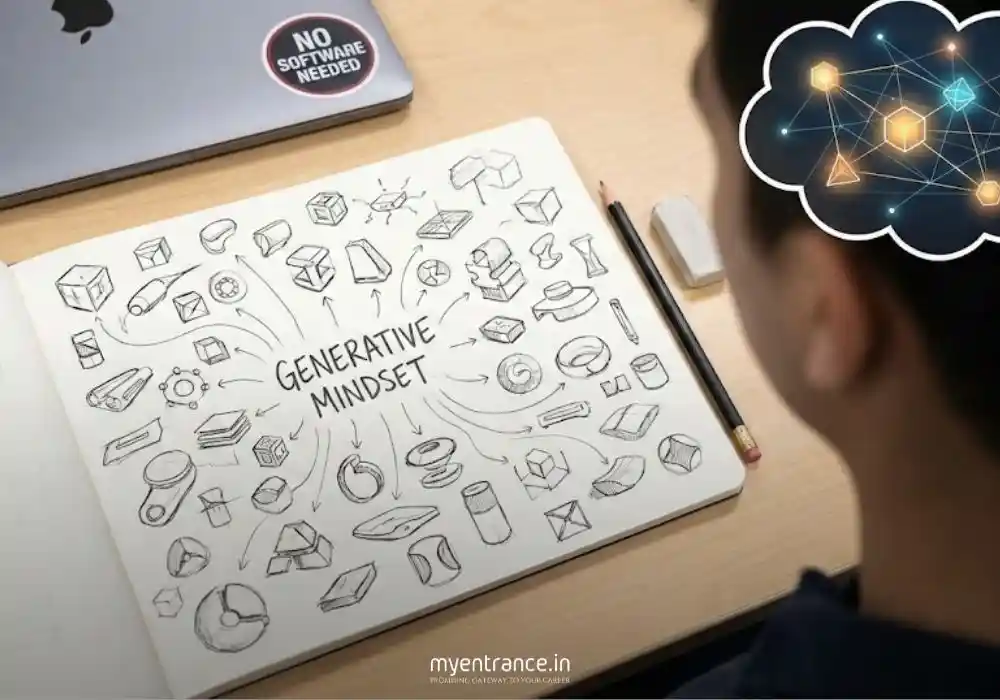
You don’t need complex software during your exam. You just need the “Generative Mindset” to break designer’s block and produce unique ideas rapidly.
Imagine sitting in the exam hall for NID DAT or UCEED. You turn the page to the subjective section, and there it is: a complex design problem with a ticking clock. Your mind goes blank. You sketch the first obvious idea that comes to mind—and you know fifty other students are drawing the exact same thing.
How do you break out of that rut? How do you generate 10 unique ideas in 10 minutes?
The secret might lie in adopting one of the most advanced concepts in the industry today: Generative Design.
Don’t worry, you won’t need a laptop running Fusion 360 in the exam hall. This article is about adopting the principles of Generative Design as a mental tool to boost your manual sketching and ideation skills during pen-and-paper exams.
What is the “Generative Mindset”?
In traditional design, you have an idea, and then you draw the shape. You are the sole creator.
In Generative Design (software), the human defines the Goals (what you want) and the Constraints (the limits), and the computer generates hundreds of possible solutions based on those rules.
To use this for exam prep, you need to stop trying to “invent” the perfect shape instantly. Instead, become the rule-maker and let your hand “generate” the solutions based on those rules.
Here is how to translate high-tech generative design into low-tech exam winning strategies.
Strategy 1: The “Constraint Box” Technique (Parameter Setting)
Generative software needs strict parameters to work. In an exam, students often rush to sketch without setting parameters, leading to generic designs.
How to do it manually:
Before you draw a single line for a problem like “Design a chair for a small apartment,” stop. Don’t picture a chair. Instead, write down the parameters (constraints) in a box on your rough sheet.
The Constraint Box:
Goal: Maximize space-saving.
Constraint A: Must be multi-functional (e.g., chair + storage).
Constraint B: Material must look lightweight (e.g., wireframe, clear plastic, thin ply).
Constraint C: Must not have four standard legs (too bulky).
Now, force yourself to sketch 5 ideas that strictly obey these rules. You will find your brain automatically moves away from standard wooden chairs and towards folding mechanisms, wall-mounted seats, or nesting stools.
Why it works for exams: Examiners love seeing that your design isn’t just “cool,” but that it solves specific constraints. This technique forces that discipline.
Strategy 2: The Manual Morphological Matrix (The Idea Generator)
This is the closest manual equivalent to a generative algorithm. It’s perfect for situations where you need to combine different functions or aesthetics (common in NIFT Situation Test or UCEED Part B).
How to do it manually:
Let’s say the question is: “Design futuristic footwear for a Mars explorer.”
Instead of just sketching a boot, create a quick grid (matrix):
| Parameter | Option 1 | Option 2 | Option 3 |
| Sole Type | Tank treads (for grip) | Spring-loaded (for low gravity) | Suction cups (for climbing) |
| Material | Metallic foil (radiation proof) | Transparent polymer | Bio-fabric (self-healing) |
| Fastening | Magnetic clasps | Auto-lacing (like Back to the Future) | Zipper-seal |
Now, generate solutions by randomly connecting one item from each row.
Generation A: Tank treads + Transparent polymer + Magnetic clasps.
Generation B: Spring-loaded + Bio-fabric + Zipper-seal.
Why it works for exams: It forces unexpected combinations that your brain wouldn’t naturally put together, instantly giving you unique concepts to develop further.
Strategy 3: Evolutionary Sketching (Iterative Optimization)
Generative design software doesn’t just make one option; it evolves generations of designs, improving slightly each time. Students often erase their “bad” sketches. Don’t!
How to do it manually:
Treat your sketchpad like an evolutionary timeline.
Sketch your first idea (Generation 1). It’s probably clunky. Don’t erase it.
Next to it, sketch “Generation 2.” The rule for Gen 2 is: Keep the function but remove 20% of the material. (Just like topology optimization in software).
Sketch “Generation 3.” The rule is: Make it look more organic/biomimetic.
Exam Example (Product Design):
Problem: Design a handheld vegetable peeler for someone with arthritis.
Gen 1 Sketch: A standard peeler with a very thick rubber handle. (Functional, but ugly).
Gen 2 Sketch (Optimization): The same thick handle, but hollowed out in the center to make it lighter, looking like a skeletal structure.
Gen 3 Sketch (Refinement): The skeletal structure is smoothed out to look like a comfortable, organic pebble shape that fits the palm.
Why it works for exams: If you show these 3 stages in your final answer sheet, the examiner sees your process. They see you optimizing and refining, which gets huge marks in CEED and NID.
Q&A: Common Student Doubts
Q: Won’t using a matrix or rules make my designs look robotic and lacking creativity?
A: No. The matrix is just the starting point—the skeleton. Once you generate the combination (e.g., “Spring sole + Bio-fabric”), you use your human creativity, aesthetics, and drawing skills to make it look beautiful and appealing. The generative process provides the structure; you provide the soul.
Q: This seems time-consuming. I only have 30 minutes for a question.
A: It is actually faster than staring at a blank page for 10 minutes waiting for inspiration. A constraint box takes 30 seconds to write. A matrix takes 2 minutes. Once done, the ideas flow instantly. It’s an investment of 2 minutes to save 10 minutes of panic.
Q: Which exams is this most useful for?
A:
UCEED/CEED Part B: Excellent for showing process and generating unique product solutions.
NID DAT Mains: Crucial for the problem-solving aspects and showing iterations.
NIFT Situation Test: Great for coming up with unique ways to manipulate materials based on set constraints.
Conclusion
Preparing for design exams isn’t just about practicing shading and perspective. It’s about practicing how to think.
By adopting the “Generative Mindset”—moving from just drawing shapes to defining parameters and evolving solutions—you arm yourself with a powerful tool to combat designer’s block under pressure. In your next practice session, don’t just draw; start generating.